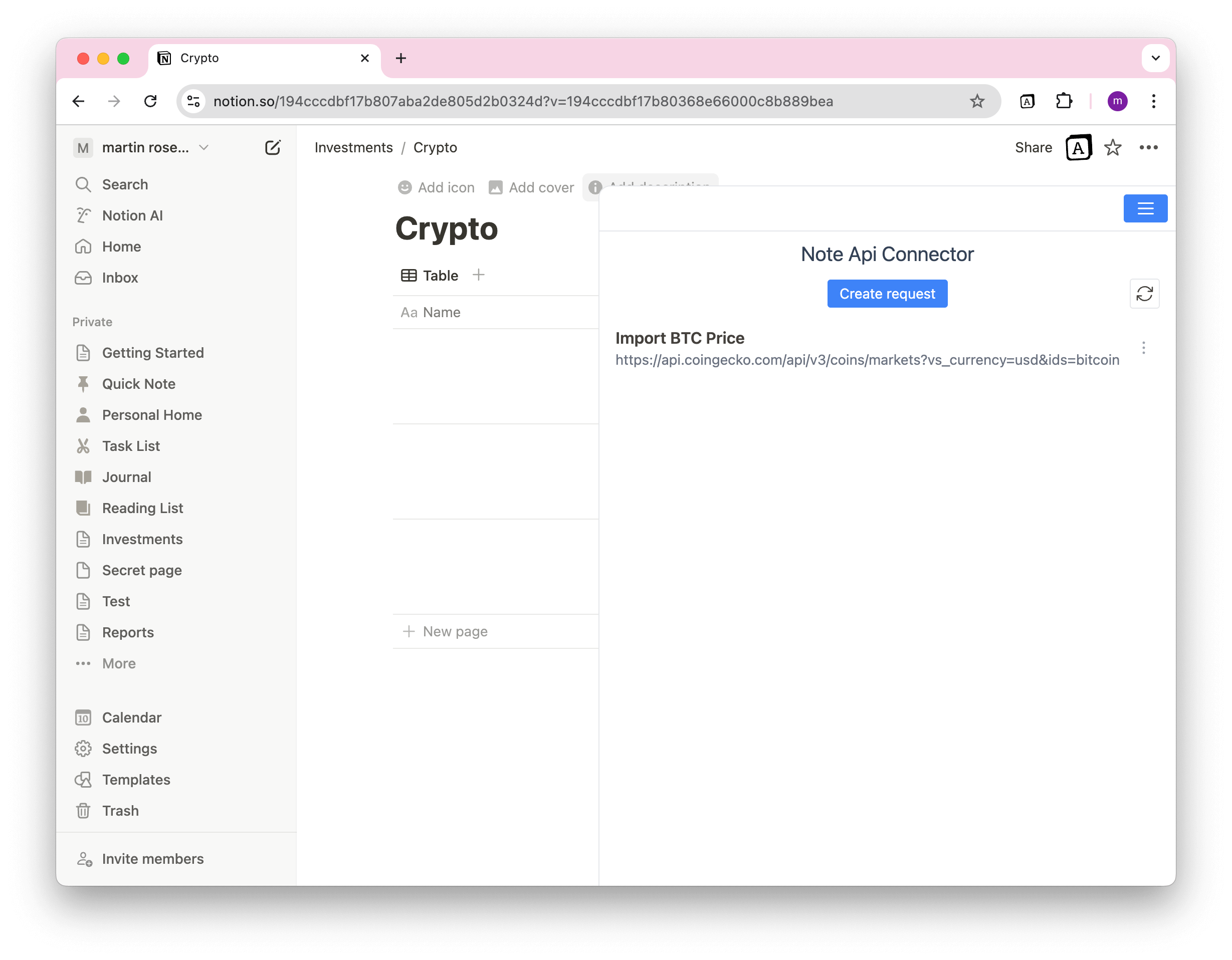
Requests Overview
The Note API Connector Home View allows you to see and manage all your API requests.
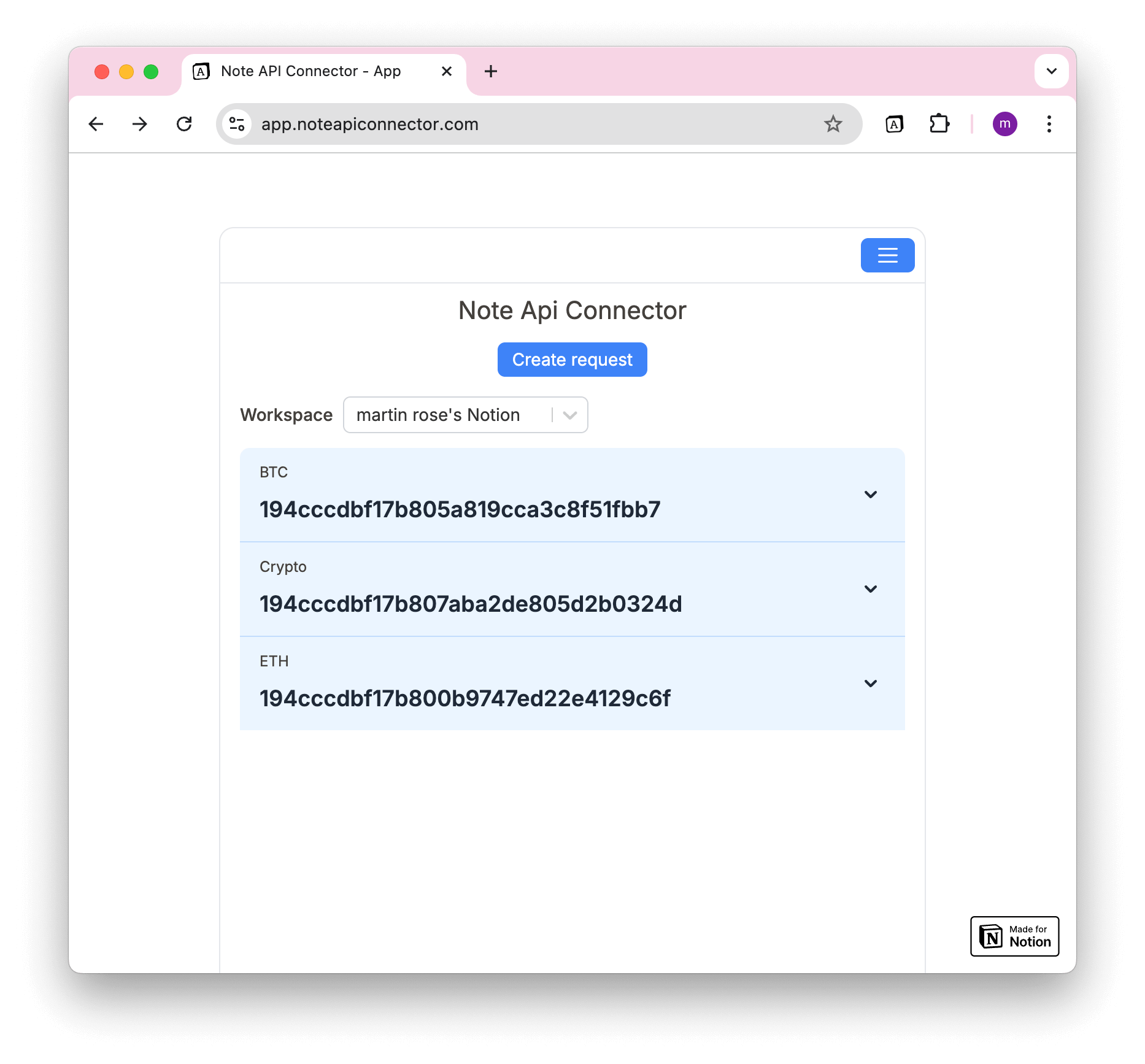
📌 Web App View – Organizes requests by Notion Workspace and Page.
📌 Chrome Extension View – Displays requests for the currently open Notion Page in Notion Workspace.
Using Note API Connector Web App
In the Web App Home View, you can:
✅ Select a Notion Workspace to filter requests.
✅ View all Notion pages where API data is being imported.
✅ See Page Titles and Page IDs for easy reference.
Viewing Requests for a Specific Notion Page
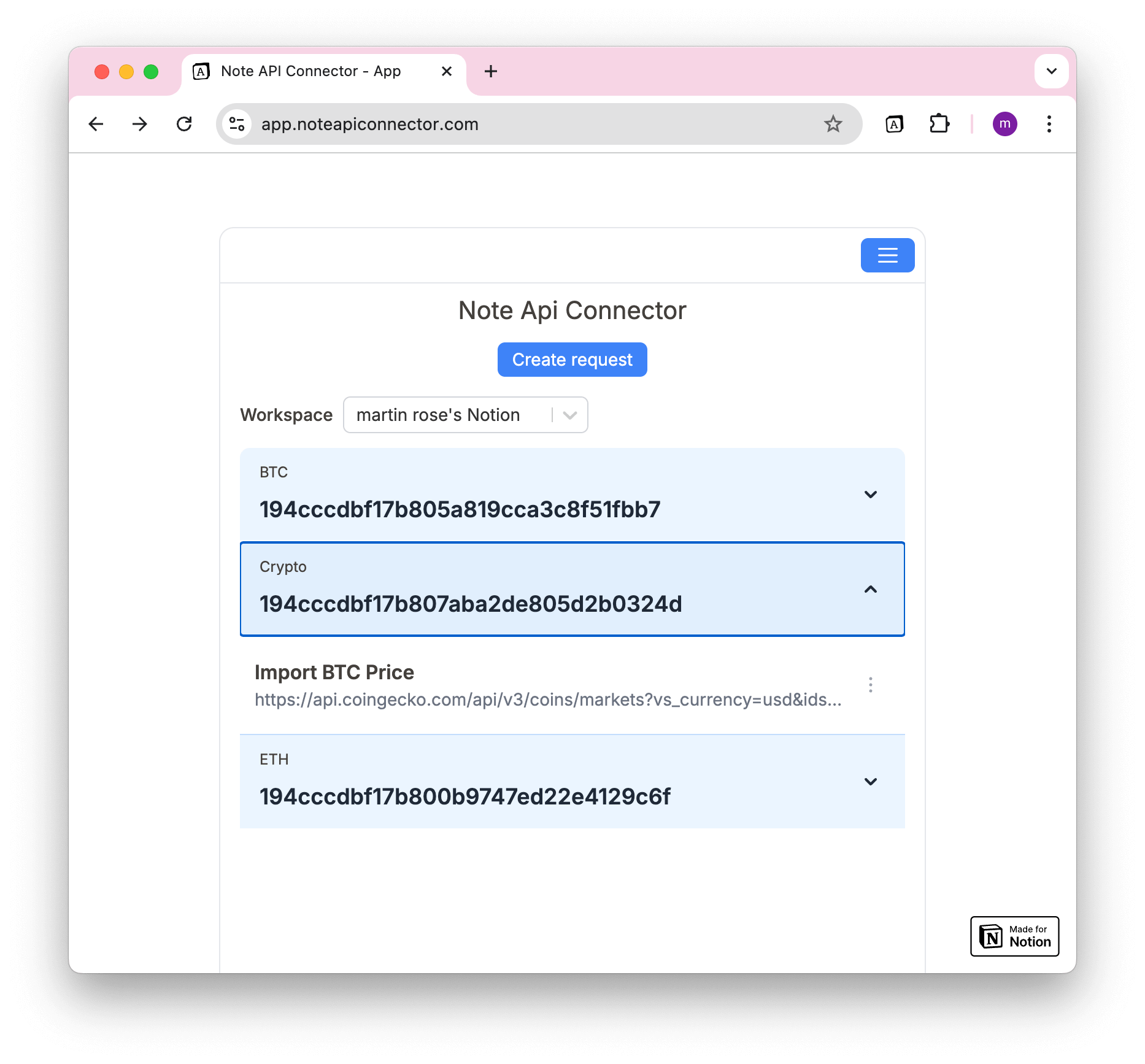
To see all requests for a specific Notion page:
1️⃣ Click on a Page Item in the list.
2️⃣ This will show all requests linked to that page.
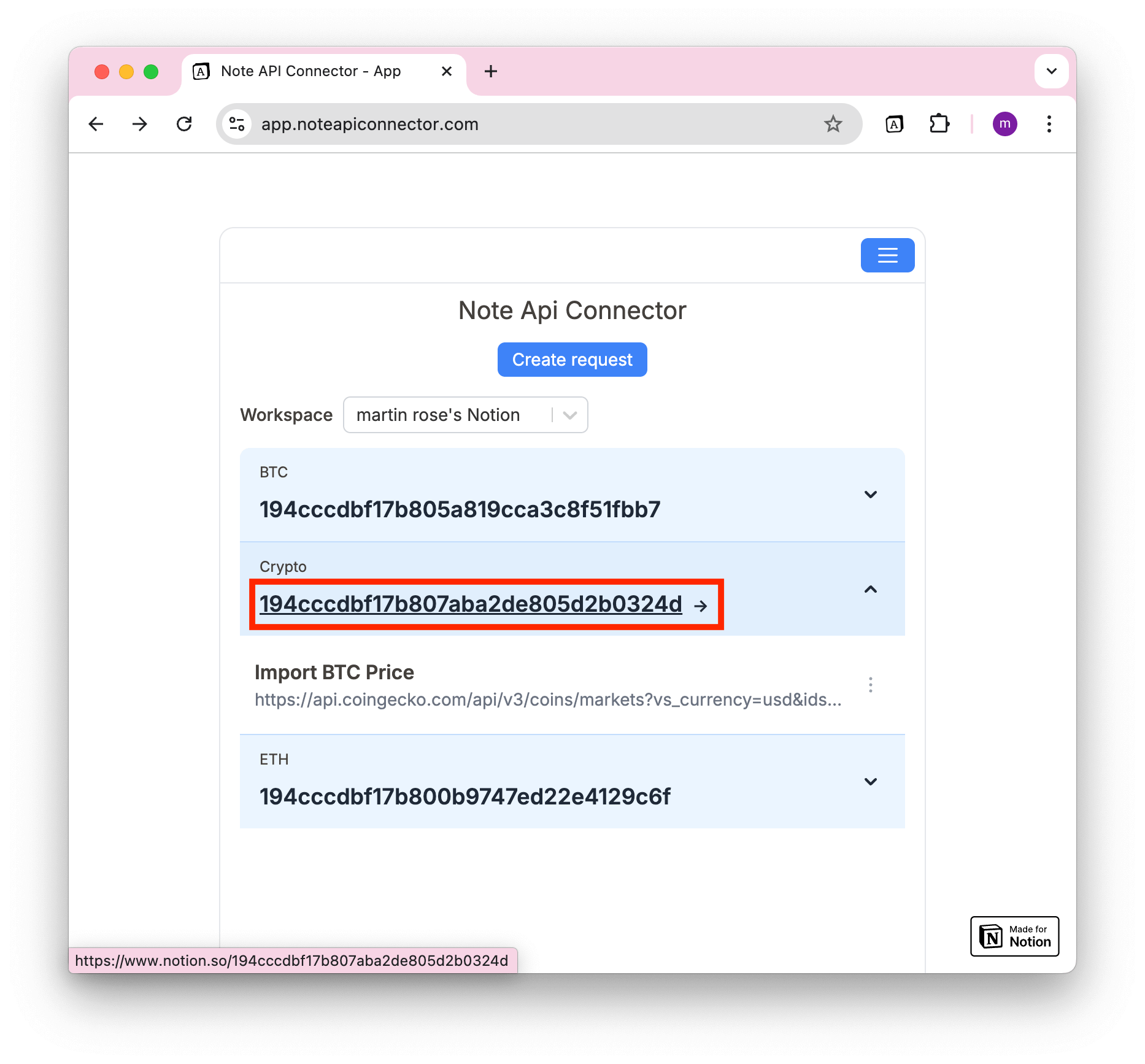
🔗 Opening Notion Pages
- Click on the Page ID to open the Notion page in a new tab.
Using Note API Connector Chrome Extension
The Chrome Extension Home View works differently:
✅ It automatically displays requests for the currently opened Notion Page in Notion Workspace.
✅ No need to select a workspace—requests update dynamically.